"Basic Scratch Game Ideas: Fun & Easy Projects for Kids"
Are you new to Scratch and looking for some basic game ideas to get started? You're in the right place! Scratch is a fantastic platform that allows children and adults alike to create interactive games, animations, and art while learning essential programming concepts. In this article, we'll explore some fundamental game ideas suitable for beginners, along with step-by-step guides to help you bring your creations to life.
Understanding Scratch Blocks
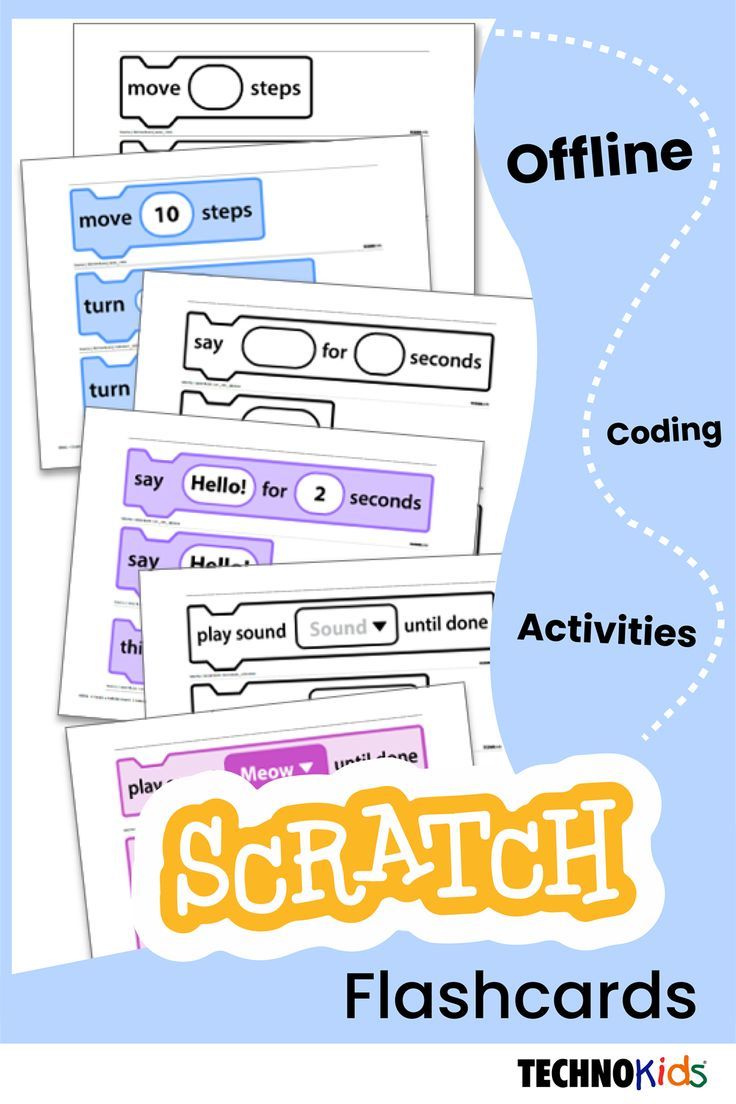
Before diving into game ideas, let's briefly discuss Scratch blocks. Scratch uses a visual programming language consisting of color-coded blocks that snap together like puzzle pieces. These blocks represent different actions and data types, making it easy to create interactive projects without typing a single line of code.
Basic Game Ideas for Scratch
1. Whack-a-Mole
The classic Whack-a-Mole game is an excellent starting point for beginners. In this game, players must quickly click on moles that pop up randomly on the screen. Here's a simple way to create it:


- Create a sprite for the mole and another for the hammer.
- Use the "when green flag clicked" block to make the mole appear and disappear randomly.
- When the hammer sprite is clicked, use the "touching" block to check if it's touching the mole. If it is, make the mole disappear and give the player a point.
2. Simon Says
Simon Says is another classic game that's easy to create in Scratch. In this game, players must repeat a sequence of colors shown by the Simon sprite. Here's how to make it:
- Create a sprite for each color (e.g., red, blue, green, yellow).
- Use the "when green flag clicked" block to start the game and generate a random sequence of colors.
- When a color sprite is clicked, check if it's the correct color in the sequence using the "touching" block. If it is, move to the next color in the sequence. If not, say "Game Over!"
3. Pong
Pong is a simple yet engaging game that's perfect for learning about variables and loops in Scratch. Here's a basic version:


- Create a sprite for the ball and another for the paddle.
- Use the "when green flag clicked" block to start the ball moving and set the score to 0.
- Use the arrow keys to move the paddle up and down.
- When the ball hits the paddle, make it bounce back. When it hits the top or bottom of the screen, change its direction. When it hits the left or right side, increase the score and reset the ball's position.
4. Tic-Tac-Toe
Tic-Tac-Toe is a great game for learning about conditionals and loops. Here's a simple version:
- Create a 3x3 grid using the "pen" block and the "repeat" loop.
- Create sprites for the X and O players.
- When a sprite is clicked, check if that space is empty using the "touching color" block. If it is, place the sprite there and check for a winner using the "and" block and the "= 3" block.
Tips for Creating Engaging Games
Now that you have some basic game ideas, here are some tips to make your games more engaging:
- Add sound effects and music to make your games more immersive.
- Use variables to keep track of scores, lives, and other important data.
- Create multiple levels or challenges to keep players engaged.
- Use the "broadcast" block to send messages between sprites and add interactivity.
- Test your games regularly and gather feedback from others to make improvements.
Remember, the best way to learn is by doing. Don't be afraid to experiment with different blocks and sprites to see what happens. With practice, you'll become more confident in creating complex and engaging games in Scratch.




Related Articles
"Simple Scratch Game Ideas: Easy & Fun Projects for Kids"
Are you looking for simple yet engaging game ideas for Scratch? You've come to the right place! Scratch, a programming platform by MIT, is an excellent tool...

"Basic Board Game Ideas: Fun & Easy DIY Projects"
Board games have been a beloved pastime for centuries, offering hours of entertainment, strategic thinking, and social interaction. If you're interested in...

"Pinterest Easter Craft Ideas for Kids: Fun & Easy DIY Projects"
Easter is just around the corner, and what better way to celebrate than with some fun and creative craft ideas? Pinterest is brimming with wonderful Easter...

"Melting Beads Craft Ideas for Kids: Fun & Easy Projects"
Melting beads, also known as fuse beads or pony beads, are a fun and creative activity for kids that result in beautiful, colorful crafts. These tiny, plastic...

"Valentine's Classroom Treats: Fun & Easy Ideas for Kids"
Valentine's Day is a wonderful opportunity to spread love and kindness, not just among loved ones, but also within the classroom community. Creating Valentine...

"Charcuterie Cup Ideas for Kids: Fun & Easy Snack Boards"
Introducing your little ones to the delightful world of charcuterie can be a fun and engaging experience. Charcuterie cups, miniature versions of the classic...