"Simple Scratch Game Ideas: Easy & Fun Projects for Kids"
Are you looking for simple yet engaging game ideas for Scratch? You've come to the right place! Scratch, a programming platform by MIT, is an excellent tool for beginners to learn coding while having fun. In this article, we'll explore a variety of simple game ideas suitable for Scratch beginners, along with step-by-step guides to help you get started.
Why Scratch for Game Development?
Scratch is an ideal platform for game development, especially for beginners. It uses a block-based interface, making it easy to understand and use. Here are some reasons why Scratch is perfect for game development:
- User-friendly interface
- Large and active community for support
- Extensive library of sprites, backdrops, and sounds
- Ability to share and play games online
Simple Game Ideas for Scratch
Here are eight simple game ideas suitable for Scratch beginners, along with brief overviews and step-by-step guides to help you create them.


1. Whack-a-Mole
In this classic game, players must quickly click on moles that pop up from holes. Here's a simple way to create it:
- Use the "When green flag clicked" block to start the game.
- Create a loop that changes the costume of a sprite (e.g., a mole) to make it appear and disappear.
- Use the "When this sprite clicked" block to detect player input and keep score.
2. Simon Says
This memory game challenges players to repeat a sequence of colors and sounds. Here's how to create it:

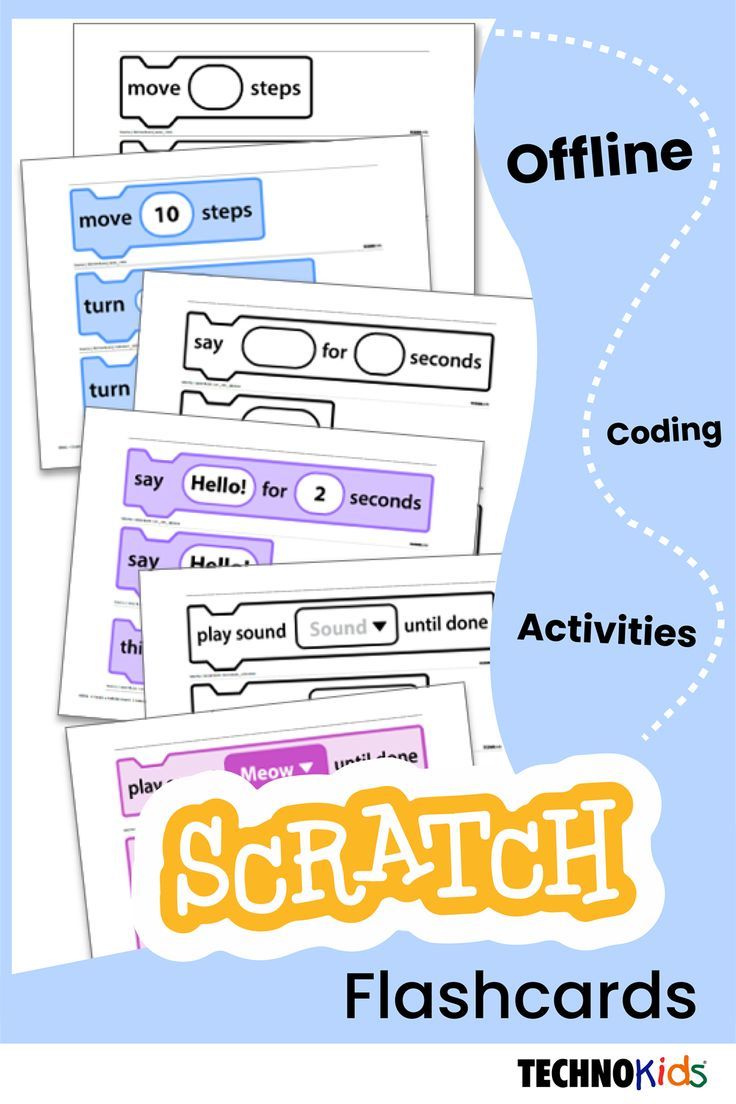

- Use the "When green flag clicked" block to start the game.
- Create a list to store the sequence and a variable to keep track of the current round.
- Use loops and random number blocks to generate the sequence and check player input.
3. Pong
This classic arcade game involves hitting a ball back and forth using paddles. Here's a simple way to create it:
- Use the "When green flag clicked" block to start the game.
- Create two sprites for the paddles and one for the ball.
- Use the "When key pressed" block to move the paddles and the "When I am clicked" block to bounce the ball.
4. Tic-Tac-Toe
This popular paper-and-pencil game can be easily created in Scratch. Here's how:
- Use the "When green flag clicked" block to start the game.
- Create a 3x3 grid using the "Repeat" block and place sprites (e.g., X and O) on the grid.
- Use the "When this sprite clicked" block to detect player input and check for winning combinations.
5. Space Invaders
This classic shooter game involves moving a spaceship and firing at descending aliens. Here's a simple way to create it:


- Use the "When green flag clicked" block to start the game.
- Create sprites for the spaceship, aliens, and bullets.
- Use the "When key pressed" block to move the spaceship and the "When I am touching" block to detect collisions.
6. Snake
In this classic game, players control a snake that grows as it eats food. Here's how to create it:
- Use the "When green flag clicked" block to start the game.
- Create a list to store the snake's body and a variable for the food's location.
- Use the "When key pressed" block to move the snake and the "When I am touching" block to detect food.
7. Hangman
This popular word-guessing game can be easily created in Scratch. Here's how:
- Use the "When green flag clicked" block to start the game.
- Create a list of letters for the word and a variable to keep track of incorrect guesses.
- Use the "When key pressed" block to check for correct guesses and update the word display.
8. Platformer
In this genre of games, players control a character that can jump and move through levels. Here's a simple way to create a platformer in Scratch:


- Use the "When green flag clicked" block to start the game.
- Create sprites for the player, platforms, and obstacles.
- Use the "When key pressed" block to move the player and the "When I am touching" block to detect collisions.
Tips for Creating Games in Scratch
Here are some tips to help you create engaging games in Scratch:
- Start with simple ideas and gradually take on more complex projects as your skills improve.
- Use the Scratch community as a resource for inspiration, help, and feedback.
- Test your games regularly to ensure they function as intended and make adjustments as needed.
- Don't be afraid to experiment with different ideas and approaches to game development.
Creating games in Scratch is a fun and rewarding way to learn programming. With these simple game ideas and step-by-step guides, you're well on your way to becoming a Scratch game development expert. Happy coding!
Related Articles
"Basic Scratch Game Ideas: Fun & Easy Projects for Kids"
Are you new to Scratch and looking for some basic game ideas to get started? You're in the right place! Scratch is a fantastic platform that allows children...

"Pinterest Easter Craft Ideas for Kids: Fun & Easy DIY Projects"
Easter is just around the corner, and what better way to celebrate than with some fun and creative craft ideas? Pinterest is brimming with wonderful Easter...

"Simple Concrete Projects: Easy Ideas for Your Home"
Embarking on a DIY journey with concrete doesn't have to be as daunting as it sounds. With the right tools, materials, and a bit of creativity, you can...

"Melting Beads Craft Ideas for Kids: Fun & Easy Projects"
Melting beads, also known as fuse beads or pony beads, are a fun and creative activity for kids that result in beautiful, colorful crafts. These tiny, plastic...

"Easy St. Patrick's Day Activities for Kids: Fun & Simple Ideas"
St. Patrick's Day, celebrated on March 17th, is a fun and vibrant event that kids love to participate in. While the traditional parades and parties might be on...

"Easy Preschool Valentine Crafts: Fun & Simple Ideas for Kids"
Valentine's Day is a wonderful opportunity to engage your preschoolers in creative activities that foster their fine motor skills, imagination, and...